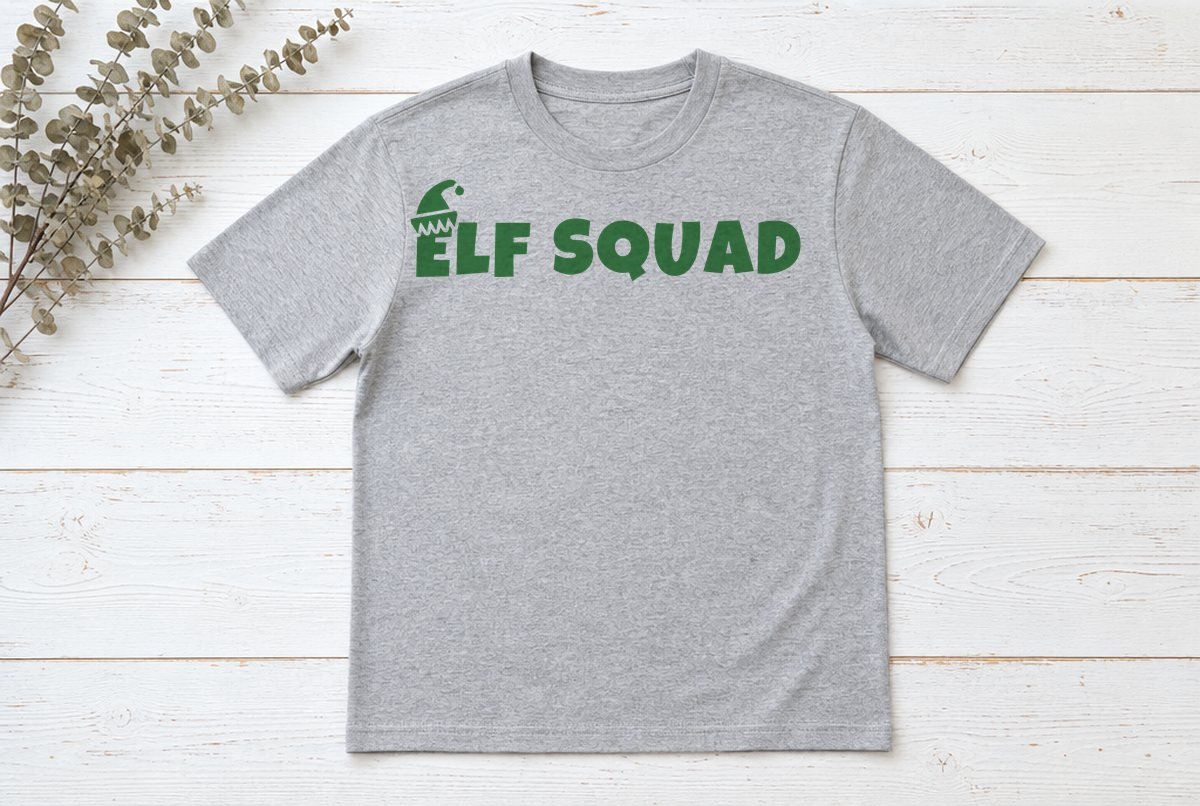
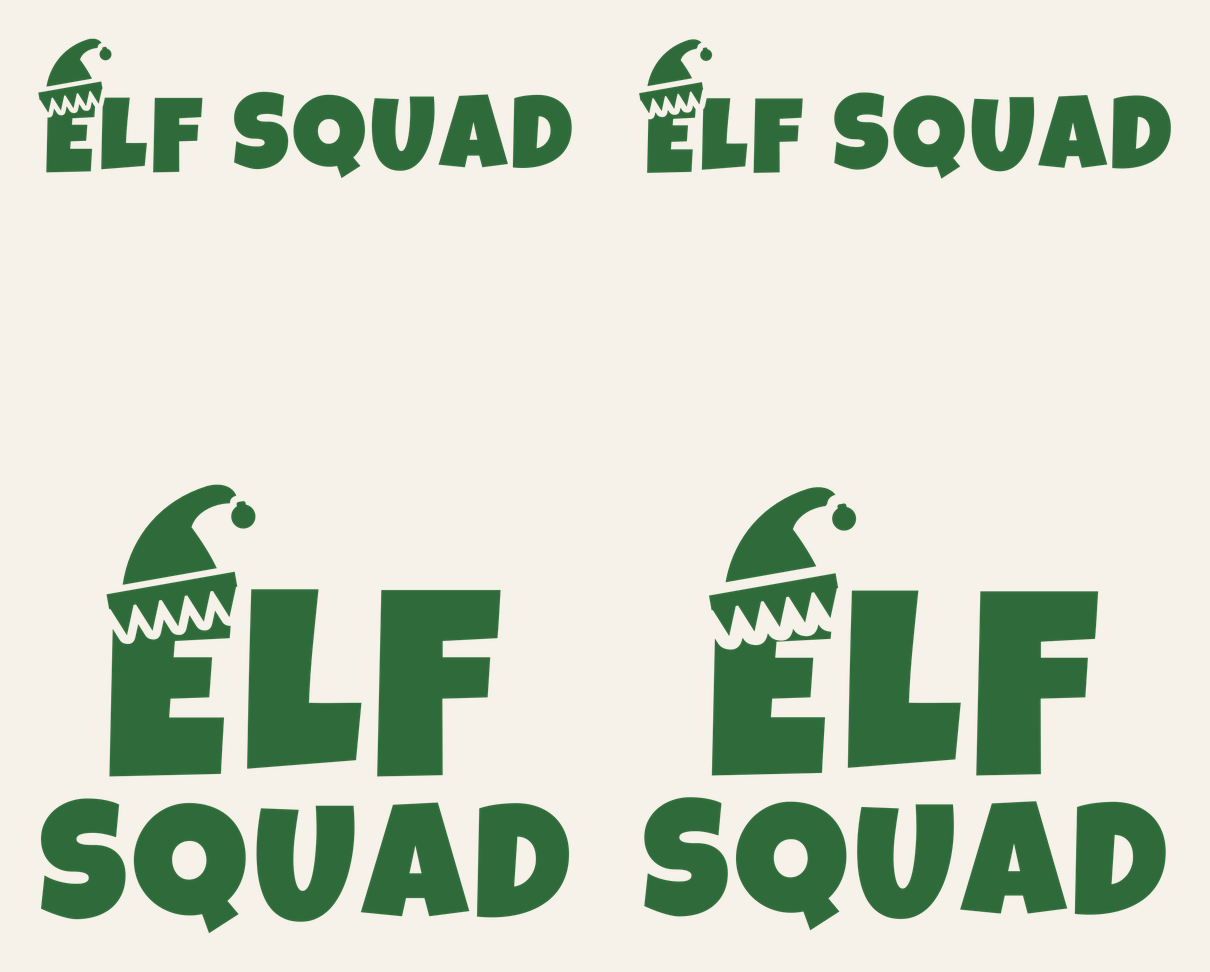
ELF SQUAD in chunky, bouncy capitals with a pointed elf hat perched on the E. It’s the kind of shirt a whole family wears to the Christmas morning photo, so the file comes in sizes for everyone: a 10 in adult shirt, an 8 in youth shirt, a stacked 5.5 in toddler version and a stacked 3.5 in mug version.
The three shirt files are made for iron-on (HTV). The mug file is for permanent adhesive vinyl, so the grown-ups can have a matching coffee cup.
| File | Size | Material | Layers | Check |
|---|---|---|---|---|
| Elf Squad, adult shirt | 10.12 × 2.75 in | HTV (iron-on) | 1 layer | ✓ Cut-checked |
| Elf Squad, youth shirt | 8.12 × 2.25 in | HTV (iron-on) | 1 layer | ✓ Cut-checked |
| Elf Squad, toddler shirt (stacked) | 5.62 × 4.88 in | HTV (iron-on) | 1 layer | ✓ Cut-checked |
| Elf Squad, mug (stacked) | 3.62 × 3.12 in | Vinyl | 1 layer | ✓ Cut-checked |
Who gets which file
| File | Size | Layout | For |
|---|---|---|---|
| Adult | 10.12 x 2.75 in | One line | Adult tees and sweatshirts |
| Youth | 8.12 x 2.25 in | One line | Kids’ shirts, youth sizes |
| Toddler | 5.62 x 4.88 in | ELF over SQUAD | Toddler tees, small kids, tote bags |
| Mug | 3.62 x 3.12 in | ELF over SQUAD | Mugs and tumblers (adhesive vinyl) |
A one-line design gets awkwardly skinny on a little shirt, which is why the two small files stack ELF on top of a wider SQUAD. Same words, same hat, a squarer shape that fills a small chest.
What’s in the design
The lettering is Luckiest Guy, a heavy cartoon font with slightly tilted, uneven letters. It’s about as bold as display fonts get, which is exactly what you want for iron-on on kids’ clothes that go through the wash every week.
The hat sits over the top of the E: a green cone that curls to the right, a small bell at the tip, and a zigzag cuff. A thin gap runs around the whole hat so it doesn’t merge into the letter. The zigzag points of the cuff hang from a solid band, so the whole cuff comes off the mat as one piece, and the bell is a plain round piece of its own at the tip. Counting the eight letters, the hat, the cuff and the bell, every file cuts as 11 pieces.
We didn’t just scale one file four times. The gap around the hat is set separately for each size, so it’s proportionally wider in the toddler and mug files than in the adult one. Each file passed our cut check at its own size: iron-on for the three shirts and adhesive vinyl for the mug. Nothing in any of them is too thin to cut or too small to weed.
What you need
- Cutting machine and a standard grip mat
- Iron-on (HTV) in the colors you want
- Permanent adhesive vinyl and transfer tape for the mug
- Weeding hook
- Heat press or household iron, plus a protective sheet
- Shirts for the squad
Cutting a whole family’s shirts
- Upload each size you need. Upload the adult, youth and toddler SVGs as separate images (our upload guide shows how) and add them to one Canvas. Don’t resize them.
- Set how many of each. Need three adult shirts? Duplicate the adult design until there are three on the Canvas. Or, if every shirt is the same size, use Project Copies on the Prepare screen, which Cricut says duplicates every object in the project.
- Mirror and cut. Click Make It and turn Mirror on. Load the iron-on shiny side down, choose your iron-on in the material list and cut.
- Weed. Pull away the background, then the insides of the Q, A and D. Leave the hat, its cuff and the bell on the carrier sheet. They’re separate pieces, and the little bell especially will only stay put if you don’t disturb it.
- Press. Center each design on its shirt, cover it and press using Cricut’s Heat Guide settings for your iron-on and fabric. Peel the carrier warm or cool as your iron-on says.
On a one-line design, measure down from the collar instead of trusting your eye. About 3 to 4 in below the neckline is a common starting point on an adult tee; on kids’ shirts, go a little closer to the collar. Tuck a piece of cardboard inside the shirt if you’re pressing on a table, so the back doesn’t pick up heat.
Pressing a lot of shirts in one afternoon? Our guide to making your first shirt covers placement, and the household iron guide helps if you’re working without a press.
Size notes
| Shirt | File | Width on the shirt |
|---|---|---|
| Adult S to XXL | Adult | 10 to 12 in |
| Youth XS to L | Youth | 8 to 9 in |
| Toddler 2T to 5T | Toddler | 5.5 to 6.5 in |
| Mug or tumbler | Mug | 3.5 in |
Each file is at its smallest checked size already. Scale up if a shirt is bigger, but don’t shrink any of them. Below the listed size, the hat’s bell and cuff points get too small and the gap around the hat gets too narrow for iron-on. Baby bodysuits are often narrower than a toddler tee; hold the toddler design up against the garment before you cut, and if it doesn’t fit at 5.5 in, pick a different spot, like the back.
Mixing it up
Green on red, red on green, or white on anything are the easy picks. For a bit more fun, cut the whole thing in glitter iron-on for the youngest elf. If you’d like the hat in a different color from the letters, duplicate the design and use Contour to hide the hat on one copy and the letters on the other, then cut each in its own color; Cricut’s Contour help page walks through it. The gap around the hat means the two colors never overlap.
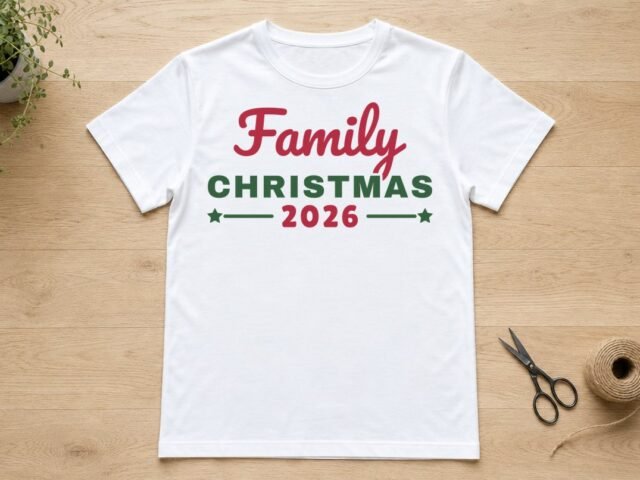
Want different sayings for different family members? Our family Christmas shirts file has an editable year, and Ho Ho Ho is another bold one for the adults.
Questions
What size should Elf Squad be on a toddler shirt?
Use the stacked toddler file at 5.5 in wide. It’s sized for a toddler chest and was checked for iron-on at that size.
What font is used in the Elf Squad SVG?
Luckiest Guy, a free heavy cartoon font. The files are already converted to cut paths, so you don’t need it installed.
Can I cut Elf Squad for several shirts at once?
Yes. Put every size you need on one Canvas, duplicating a design for each extra shirt, and Design Space lays them out on the mat together. Mirror before you cut.