Free Classroom Clip Art: 120 Images for School Projects (CC BY)
120 free clip-art images for school: science, math, social studies, seasons, school supplies, sports, food, transportation, community helpers and page borders. Every image comes as an SVG and a transparent PNG. They’re licensed CC BY 4.0, so students, teachers and librarians can use them in any project, as long as they credit Clean Cut SVG.
- No ads, no sign-up. Nothing to buy on this page.
- CC BY 4.0: free for any use, with credit
- SVG + PNG for every image
- Drawn by us, not AI

Why we made this. For years, school library guides sent students to WPClipart and the Discovery Education Clip Art Gallery for pictures they were allowed to use. Both are gone, and many of those guides still link to them. Lists of other sites help (we keep one: 22 free image sources for school projects), but sometimes a student just needs a picture of a microscope that they can use right now. So we drew 120 of them.
License and credit
Free for any use, including school projects, slides, posters and worksheets; please credit Clean Cut SVG.
Copy this line into your project, under the image, on a credits slide, or at the bottom of a worksheet:
Clip art by Clean Cut SVG (cleancutsvg.com/free-classroom-clip-art), CC BY 4.0Using just one or two images? Each picture in the gallery has its own Credit button that copies a line with the image’s name.
- You may print, copy, share, recolor, resize and combine the images, for any purpose, including things you sell.
- You need to give credit, link to this page or the license when you can, and say if you changed an image.
- Please don’t suggest that Clean Cut SVG endorses you or your product.
The full legal text is the Creative Commons Attribution 4.0 International license. It covers this clip-art set only; the cut files elsewhere on cleancutsvg.com keep their own file license. Each SVG and PNG also carries the license and credit in its file information.
The gallery: 120 images
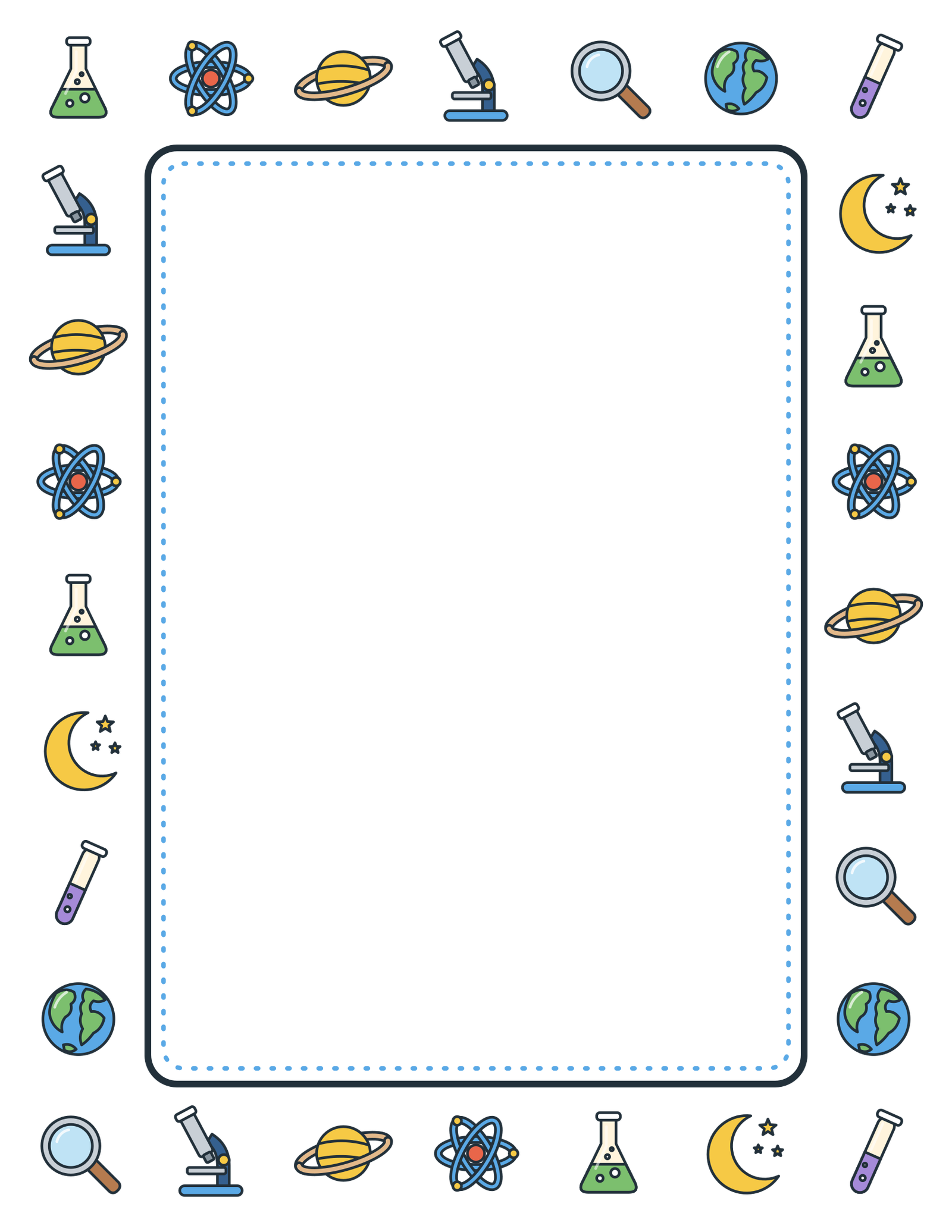
Search by name or topic, or pick a subject. Every image has an SVG and a PNG download, and each subject has a ZIP with all of its images in both formats. In all: science (24), math (13), social studies (12), seasons and holidays (12), school supplies (11), sports (9), food (10), transportation (9), people and community helpers (12), borders and frames (8).
No images match that search.
Science (24)
Lab tools, space, weather, plants and animals




















Math (13)
Shapes, solids and math tools









Social studies (12)
Maps, landforms, buildings and civics












Seasons and holidays (12)
Spring, summer, fall, winter and celebrations










School supplies (11)
Pencils, books, art supplies and the classroom







Sports (9)
Balls, gear and awards






Food (10)
Fruits, vegetables and lunch










Transportation (9)
Things that go, plus a rocket in Science






People and community helpers (12)
Community helpers and a student







































































































Download by subject
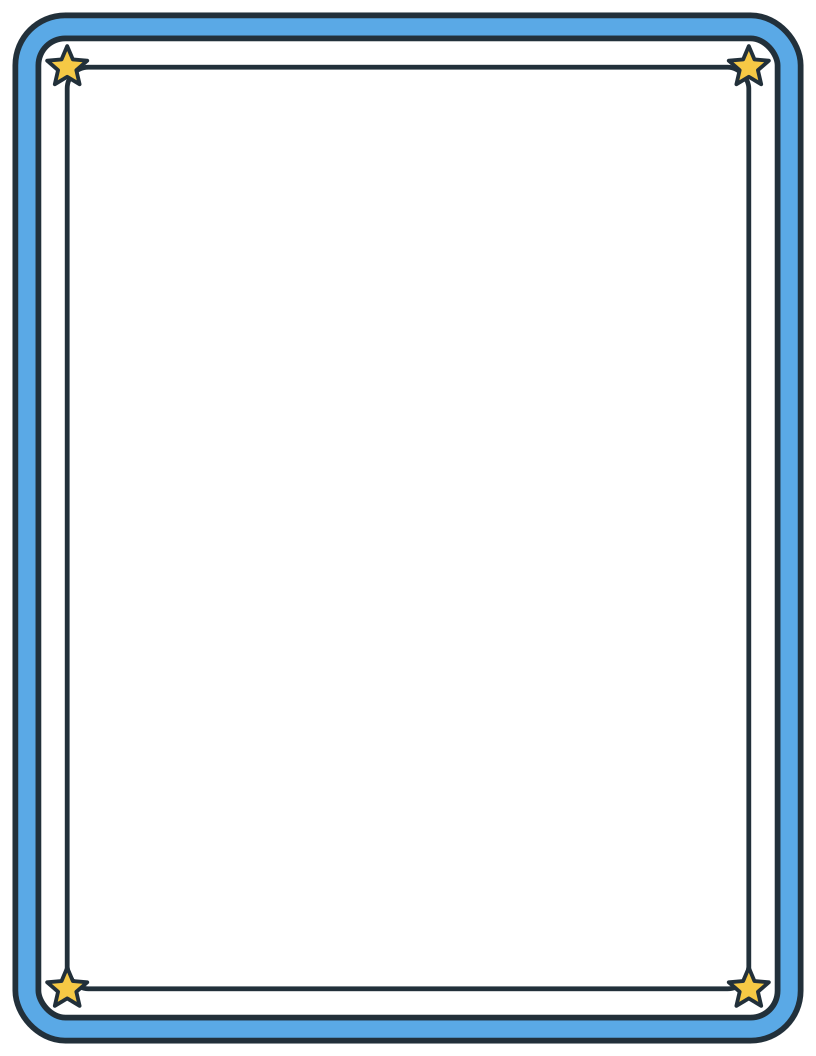
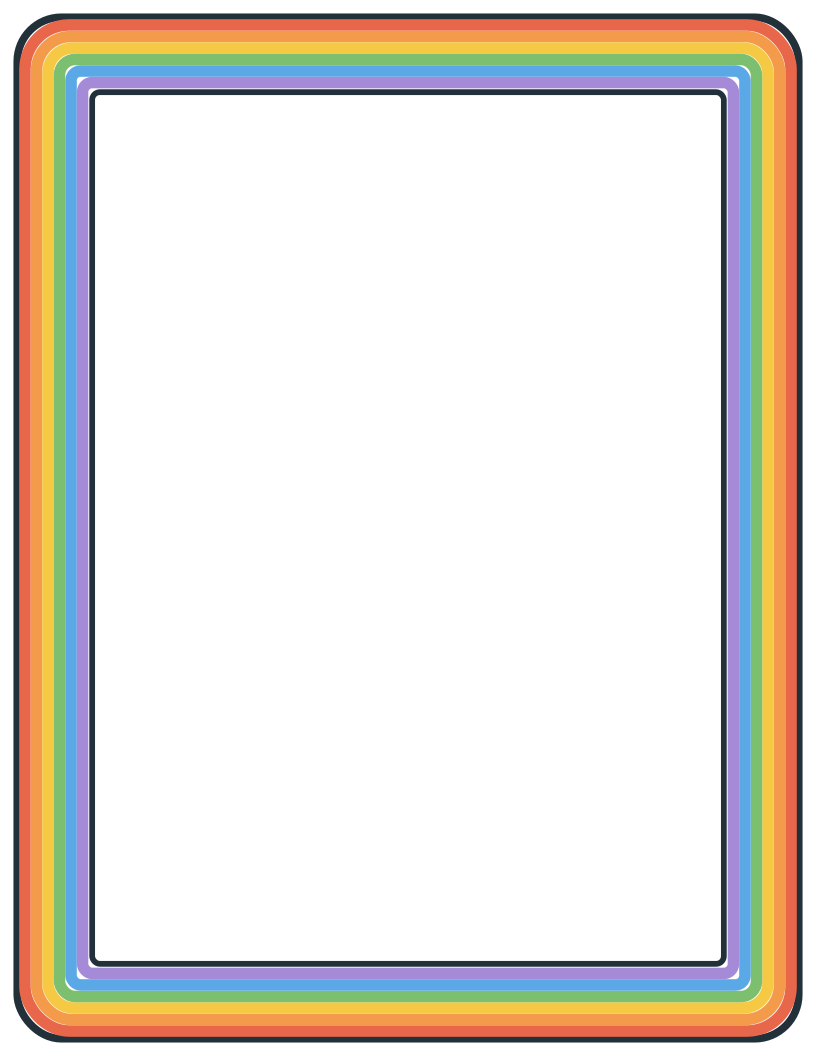
Each ZIP holds an SVG folder, a PNG folder and a README with the license and the credit line. Icons are 1000 × 1000 px PNGs; the borders are 1700 × 2200 px, which prints a full letter page at 200 dpi.
| Subject | Images | ZIP (SVG + PNG) |
|---|---|---|
| Science | 24 | Download ZIP (1.2 MB) |
| Math | 13 | Download ZIP (463 KB) |
| Social studies | 12 | Download ZIP (457 KB) |
| Seasons and holidays | 12 | Download ZIP (584 KB) |
| School supplies | 11 | Download ZIP (372 KB) |
| Sports | 9 | Download ZIP (492 KB) |
| Food | 10 | Download ZIP (386 KB) |
| Transportation | 9 | Download ZIP (325 KB) |
| People and community helpers | 12 | Download ZIP (642 KB) |
| Borders and frames | 8 | Download ZIP (1.4 MB) |
| Everything | 120 | Download ZIP (6.2 MB) |
Using the images in Slides, Word and Canva
Google Slides and Docs
Download the PNG. In Slides or Docs, choose Insert, then Image, then Upload from computer. Google’s editors don’t accept SVG files, so the PNG is the one to use. The background is transparent, so it sits cleanly on any slide color.
PowerPoint and Word
Either file works. Insert, then Pictures, then This Device. An SVG stays sharp at any size, so it’s the better pick for posters.
Canva
Upload the SVG or PNG from the Uploads tab, then drag it onto your design. SVGs stay crisp on posters.
Borders and frames
To print one as is, open the border PNG and print it on letter paper with “Fit to page”. To type inside it, insert the border in Word and set its text wrapping to Behind Text, or set a Google Slides deck to 8.5 × 11 in and use the PNG as the slide’s background image.
These images are drawn for printing and screens, not for cutting machines. To use one with a Cricut, try Print Then Cut, or see our free library makerspace pack of beginner cut files.
Questions
Can students use these images in school projects?
Yes. Students can put them in reports, slideshows, posters, science fair boards and digital projects. Add the credit line somewhere in the project, such as under the image or on an "Image credits" slide.
Do I have to give credit?
Yes, that is the one condition of the CC BY 4.0 license. A short line is enough: "Clip art by Clean Cut SVG (cleancutsvg.com/free-classroom-clip-art), CC BY 4.0". On a worksheet, a small line at the bottom of the page works.
Can I use them in worksheets or resources I sell?
Yes. CC BY 4.0 allows commercial use, so you can use the images in paid worksheets, books and class materials. Give credit, don't suggest that Clean Cut SVG endorses your product, and don't add terms that stop other people from reusing the images themselves under CC BY.
Can I change the colors or combine the images?
Yes. You can recolor, crop, resize and combine them. If you change an image, say so in the credit, for example: Adapted from "Microscope" by Clean Cut SVG, CC BY 4.0.
Which file should I use: SVG or PNG?
Use PNG for Google Slides and Google Docs, which do not accept SVG files. Use SVG in PowerPoint, Word, Canva or Inkscape when you want sharp edges at any size. Both have transparent backgrounds.
Were these images made with AI?
No. Every image was drawn by Clean Cut SVG in code, shape by shape, and checked by a person at full size. None of them show trademarked characters or logos.
Cite or link this collection
No ads, no sign-up, nothing to buy. Add this page to your library guide, copyright guide or class website, and share the ZIP files on your school drive. The CC BY license means you’re allowed to.
APA: Clean Cut SVG. (2026). Free classroom clip art [Clip art collection]. https://cleancutsvg.com/free-classroom-clip-art/
MLA: Clean Cut SVG. “Free Classroom Clip Art.” Clean Cut SVG, 2026, cleancutsvg.com/free-classroom-clip-art/.
Credit line for projects: Clip art by Clean Cut SVG (cleancutsvg.com/free-classroom-clip-art), CC BY 4.0
Want a picture we don’t have yet? Email hello@cleancutsvg.com with the subject you teach. We add to the set over time.
Need more pictures?
Our guide to free, copyright-safe images and clip art for school projects lists 22 other sources, with each license explained in plain English, plus a printable “Can I use this image?” flowchart for students.